
Arkheron Tools Hub
Specs, platforms, and readiness checklists for Early Access on PC and consoles.
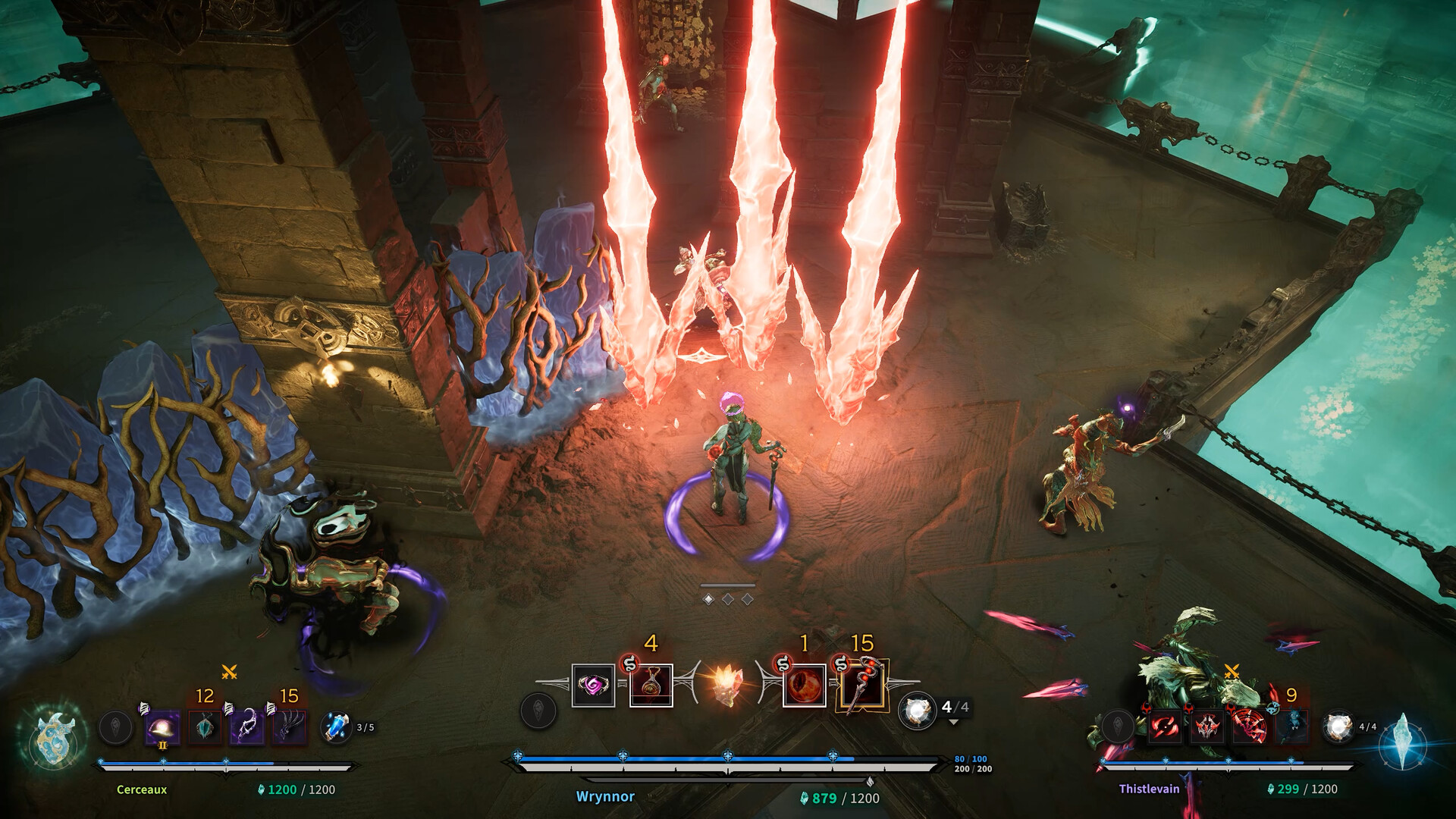
The Tools hub collects practical reference pages that sit beside guides and tier lists. Before you theorycraft Eternals or chase builds, confirm your hardware and platform plan. Arkheron is a free-aim isometric team PvP title from Bonfire Studios—frame time and input feel matter as much as Relic luck when Empowered windows and executes decide rounds.
Pages in this section
- System Requirements — full PC minimum and recommended specs, console platforms, storage, and SSD guidance
More calculators, planners, or checklists can land here later; for launch week the specs page is the must-read reference that search traffic hits first.
Pre-launch readiness checklist
- Confirm OS, CPU, GPU, RAM, and free disk space against the system requirements table.
- Install on an SSD when possible—Steam currently notes SSD as required, and load/shader times feel better on solid state.
- Decide platform: Steam PC, PlayStation 5, or Xbox Series X|S. Crossplay is supported for squad play across those stores.
- Budget for the $24.99 Early Access purchase or plan around the free Opening Weekend (November 27–29, 2026) and Friend Pass rules.
- Wishlist / follow channels listed on Links so patch notes under Updates are not a surprise.
- Skim Getting Started and Controls the night before you jump into Ascension or Spires.
- Agree party jobs before queueing—engage, space, convert, stabilize—using the Eternals Hub as a shared vocabulary.
Why tools pages exist separately
Guides teach systems. Tier lists argue power. Tools answer “can I run it?” and “what should I prepare?” questions that search engines and Discord newcomers ask first. Keeping specs here also avoids repeating long tables inside every Eternal article or burying them under Early Access news copy.
A clean tools section also helps when Bonfire adjusts installer size or listed GPUs. You update one child page instead of hunting through every guide that casually mentioned RAM.
Platform decision quick help
| If you… | Lean toward |
|---|---|
| Already live on Steam friends lists | PC install + verify min/rec specs |
| Prefer couch co-op hosting | PS5 or Xbox with Friend Pass planning |
| Share parties across stores | Any platform—crossplay is a launch pillar |
| Own a borderline laptop GPU | Read the laptop notes on System Requirements before Opening Weekend |
After you pass the specs gate
- Learn combat vocabulary in How to Play.
- Pick a fantasy from the Eternals Hub and deepen it on the roster guide.
- Compare early impressions on the Tier List Hub, including Relics.
- Track launch cadence via Early Access and the broader Updates hub.
If your PC sits between minimum and recommended, start on lower graphics presets and prioritize a stable 60 FPS—Bonfire has repeatedly called out smooth frame pacing as a design target. Console players should still read the PC table for storage expectations and to understand what “recommended” means when friends compare experiences after a sweaty Spires set.
Return here whenever a patch changes installer size or listed hardware. Specs have moved across alphas and betas; the child page should stay the single source for the current Steam/help-center numbers while this hub stays the checklist and navigation layer.
Frequently Asked Questions
Quick answers about Arkheron Early Access, modes, and this wiki.
What tools are available now?
The System Requirements page covers PC min/recommended specs, consoles, storage, and SSD notes. More tools can be added later.
Does Arkheron support crossplay?
Yes. Early Access targets Steam, PS5, and Xbox with crossplay for squad play.
Is an SSD required?
Steam currently lists SSD as required in additional notes. Even when space fits on a hard disk, expect better load behavior on SSD.
Where do I go after checking specs?
Start with Getting Started and Controls, then browse Eternals and the Tier List Hub.