
Arkheron Friends, Parties & Crossplay
Friend codes, party of three, crossplay setup, Spires spectators, and Discord activity joins.
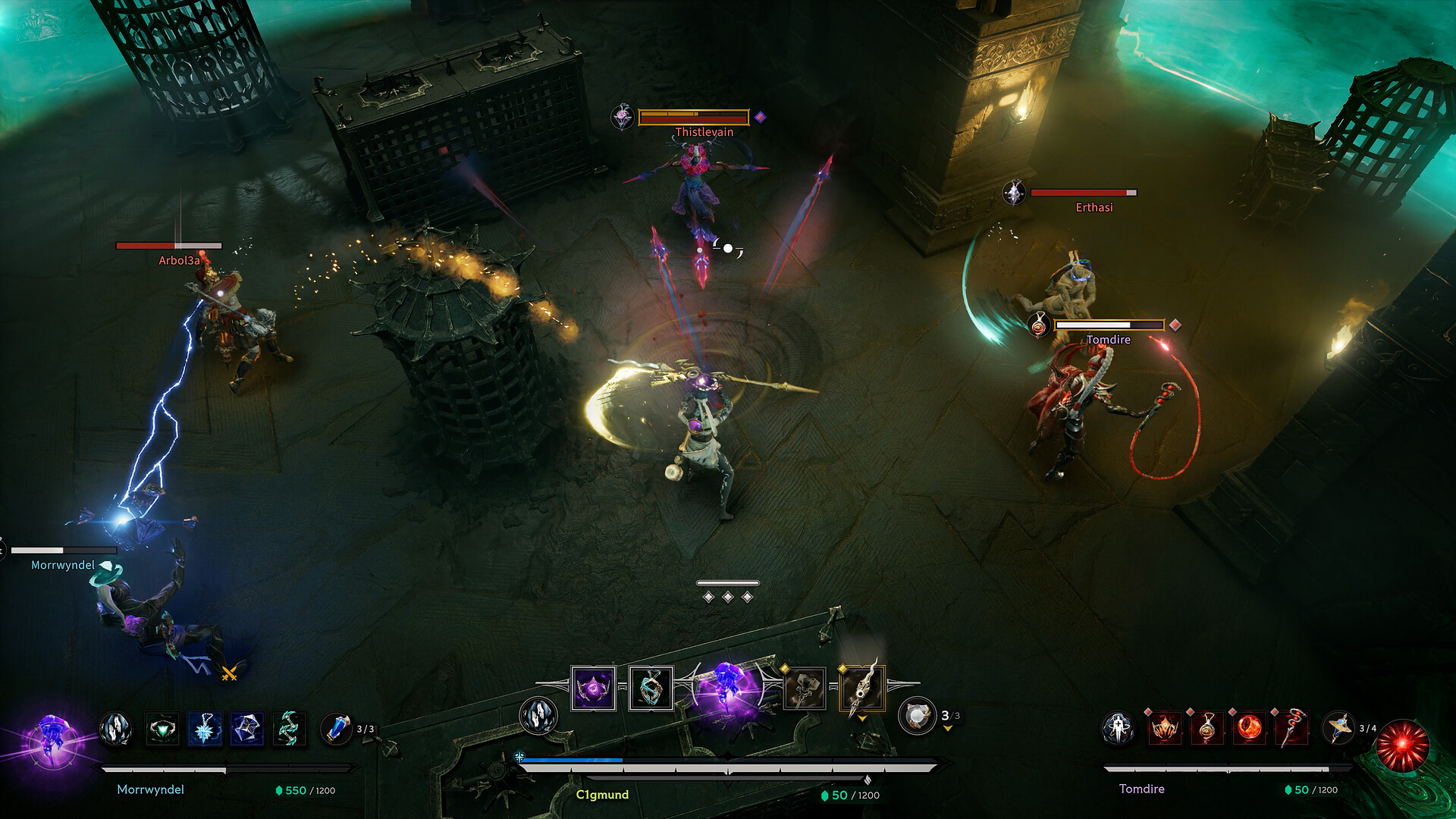
Arkheron is built for a party of three. Early Access on November 27, 2026 ships with crossplay across Steam, PlayStation 5, and Xbox Series X|S, but platform friend lists alone are not enough. You add teammates with an in-game friend code from the Echo icon in the bottom-right of the UI, invite them into a party, then queue Ascension, Spires, Custom Games, or warm up in Tutorial / Training. This guide covers friend codes, party invites, crossplay checklist, November party spectators, Discord PC activity join, and how social tools interact with Friend Pass and Partner Servers.
If you only remember one rule: Steam / PSN / Xbox friends do not automatically become Arkheron friends. Share the in-game code.
How to add friends (Echo icon → friend code)
- Open the social panel via the Echo icon in the bottom-right of the screen.
- Choose Add Friend.
- Enter your teammate’s in-game friend code (not their Steam persona, PSN Online ID, or Xbox gamertag alone).
- Accept on both sides if a confirm step appears.
- Invite them to a party of 3 from the same social flow.
Exchange codes in Discord before launch night. Screenshot or pin codes in your server so nobody is hunting menus while Opening Weekend queues spike. If a code fails, verify you are both on a build that finished patching—Early Access hotfixes can briefly desync social services.
Crossplay across Steam, PS5, and Xbox
Crossplay is supported at launch across the three storefronts. Before your first mixed-platform night:
- Enable crossplay in settings on every client.
- Complete whatever account link Bonfire / platform flow the game requests.
- Add each other with in-game friend codes even if you are already platform friends.
- Agree on voice (Discord usually wins for mixed console + PC stacks).
- Confirm input comfort—mouse and controller are both valid; see Controls.
Crossplay does not bypass entitlement rules. A Friend Pass guest still needs an owner in the party for full modes outside free windows. During Partner Server Free Play Week (November 30–December 6), connected Partner guests can play Ascension / Spires / Custom without an owner. During Opening Weekend (November 27–29), full free play applies more broadly. Details: Early Access.
Party invites and the three-stack contract
Arkheron’s party size is three. That shapes everything:
- Fill the third seat early. Duo queueing into Ascension’s multi-squad chaos teaches bad habits.
- Owner stays online when hosting Friend Pass guests—full mode access follows ownership in the party.
- Call roles lightly: beacon / macro lead, entry fighter, and Relic scout still help even without fixed classes.
- Share transform plans so everyone knows whether the stack chases a full Eternal transformation or a Shattered mix.
Custom Games are perfect for teaching a new third seat without ladder pressure. Run one Shrine economy rehearsal in Spires before your first long Ascension.
Party spectators (November 17 hotfix)
A November 17 hotfix added party spectators for Spires: friends can watch and join at the next checkpoint on the current floor. That is huge for real life schedules.
How to use spectators well:
- Park a late friend as spectator instead of cancelling a series.
- Brief them in Discord while they watch—call Shrine prices and focus targets out loud.
- Join at the next checkpoint on the current floor; do not assume instant mid-round inserts everywhere.
- After they join, reset loadout calls so the new player knows whether you are mid-Eternal farm or locked Shattered.
Spectating is also a teaching tool: newcomers learn beacon-adjacent habits and free-aim spacing before they burn a full Ascension wipe.
Discord: open parties, tags, and PC activity join
Discord is the real matchmaking layer for many stacks:
- Connect Discord for Partner Server eligibility and community features (Partner Servers).
- Use server LFG channels to find open parties when your usual third is offline.
- Rep server tags help identify trusted communities as Bonfire rolls that system out.
- PC Discord activity join lets friends jump into your session from Discord when the activity integration is available—ideal for last-minute fills.
- Competitions and community cups will lean on the same servers, especially around launch-week energy and events like DreamHack Stockholm (November 27–29, EA live from the show floor).
Keep official invites bookmarked via the Links Hub (discord.gg/Arkheron).
Friend Pass, free windows, and social etiquette
Social tools sit on top of access rules:
| Window | Social tip |
|---|---|
| Opening Weekend Nov 27–29 | Add codes early; everyone can try full modes freely |
| Partner Free Play Nov 30–Dec 6 | Connect Discord + Partner Server before inviting guests to Ascension |
| Normal Friend Pass | Owner must remain in party for guests’ full modes |
| Paid Standard / Supporter | Maximum schedule flexibility; cosmetics only difference |
Etiquette that keeps friends around:
- Do not AFK while hosting Friend Pass guests.
- Share friend codes in a pinned Discord message, not buried in voice.
- Explain that platform friends ≠ Arkheron friends the first time someone is confused.
- Take breaks between long Spires win-by-two marathons when onboarding newcomers.
- Never imply cosmetics equal power—Collections are earnable free, and there is no pay-to-win, lootboxes, or gacha. Armored Swan free with any edition purchase Nov 27–30 is still cosmetic-only (exclusive chroma forever).
Pricing reminder while you recruit: $24.99 Standard, $49.99 Supporter (includes Siren + Night’s Advocate; packs also $14.99 each).
Launch-night party script
- Everyone installs (paid, Friend Pass, Game Pass Preview, or free weekend entitlement).
- Exchange in-game friend codes via Echo icon → Add Friend.
- Enable crossplay, form the party of three, join Discord voice.
- Ten minutes Training / Tutorial if anyone is brand new (Getting Started).
- One Spires series (use spectators if a fourth friend is late).
- Ascension once communications feel stable.
- After losses, review whether aim, beacon tempo, or transform greed caused the wipe—open the matching guide.
Where to go next
- Access rules: Friend Pass · Partner Servers · Early Access
- Combat & modes: How to Play · Ascension · Spires
- Builds: Tier List Hub · Eternal transformation
- Destinations: Links
Arkheron’s social layer is simple once you know it: Echo icon → Add Friend → in-game code → party of three → crossplay on. Add spectators and Discord joins for real-life chaos, respect Friend Pass ownership outside free windows, and climb with a stack that can actually hear beacon calls.
Frequently Asked Questions
Quick answers about Arkheron Early Access, modes, and this wiki.
How do I add friends in Arkheron?
Open the Echo icon in the bottom-right, choose Add Friend, and enter the player’s in-game friend code. Platform friends lists alone are not enough.
Does Arkheron support crossplay?
Yes. Steam, PlayStation 5, and Xbox Series X|S support crossplay so mixed-platform parties of three can queue together when settings and entitlements allow.
What are party spectators?
A November 17 hotfix feature: party members can watch Spires and join at the next checkpoint on the current floor—useful for late friends and coaching.
Can Friend Pass players join my crossplay party?
Yes. They can party across platforms, but outside Opening Weekend and Partner Free Play Week they need an owning player in the party for Ascension, Spires, and Custom Games.
How does Discord PC activity join work?
When the Discord activity integration is available on PC, friends can join your session from Discord. You still need in-game friends/party flow and matching entitlements.